
AI SystemsSystem Design, simply · AI 36
MCP tool poisoning: why a math tool asked for an SSH key
MCP tool poisoning places malicious instructions in a tool description to steer the model. What the MCP spec recommends, and how a sandbox limits the damage.
Drafted with AI assistance, then checked and edited by a human engineer · How we write
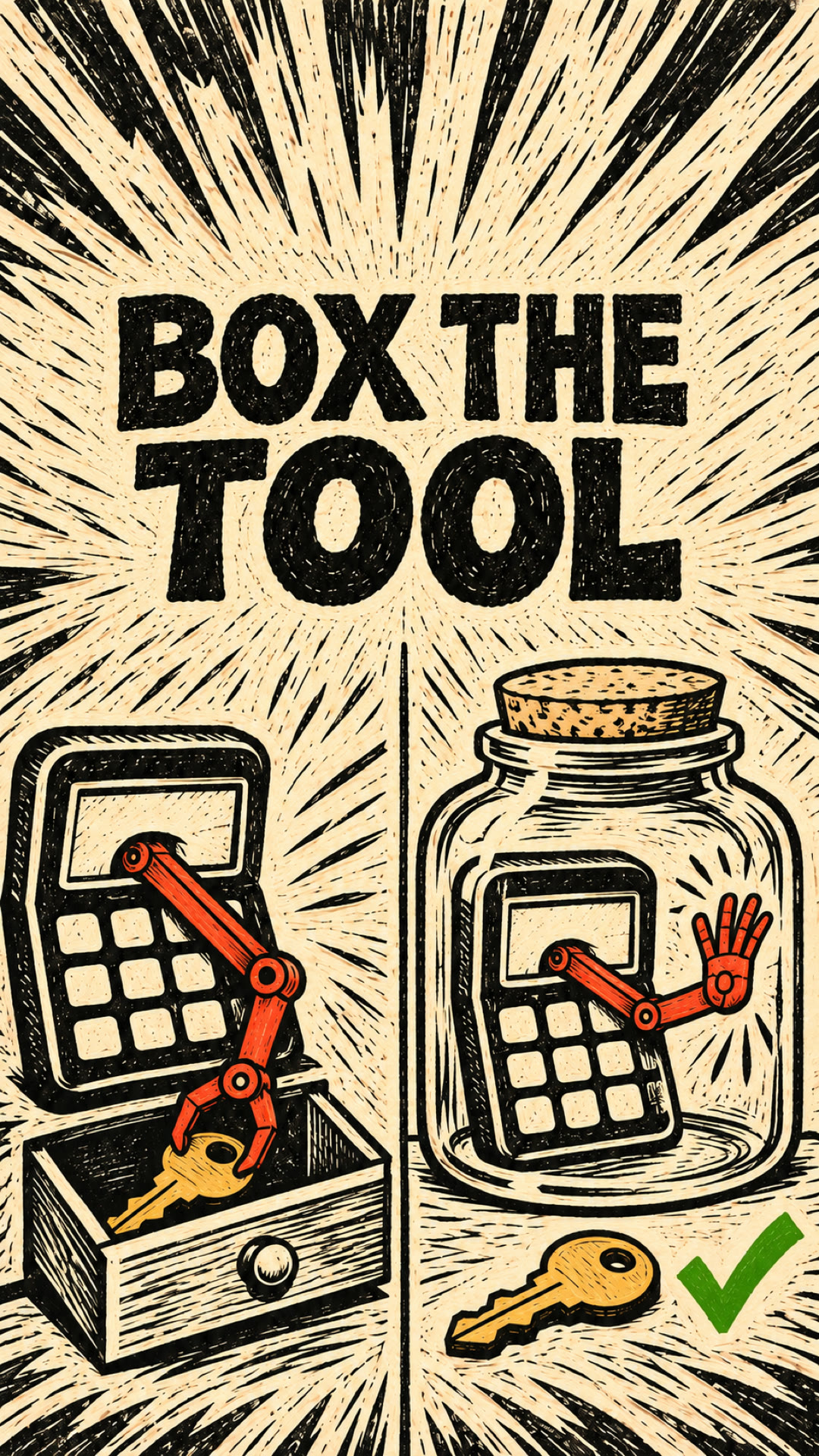
MCP tool poisoning places malicious instructions in a tool description to steer the model into unauthorized actions. Some clients show users only a shortened description, so the model can act on text you never saw. A sandbox cannot stop the model reading that text, but when every route to your files enforces it, it decides what the instruction can reach.
What is MCP tool poisoning?
When an AI agent connects to an MCP server, its client sends tools/list and gets back one entry per tool: a name, an input schema and, usually, a description. The model reads that description to decide when and how to call the tool. We walked through that exchange in how AI agents find MCP tools.
Tool poisoning abuses the description. On 2025-04-01, Invariant Labs published a report on tool poisoning attacks. It describes malicious instructions placed in tool descriptions that are "invisible to users but visible to AI models" (Invariant Labs). In the attack it reports, the model saw the complete description while the app showed the user a simplified version. How much a user sees depends on the client.
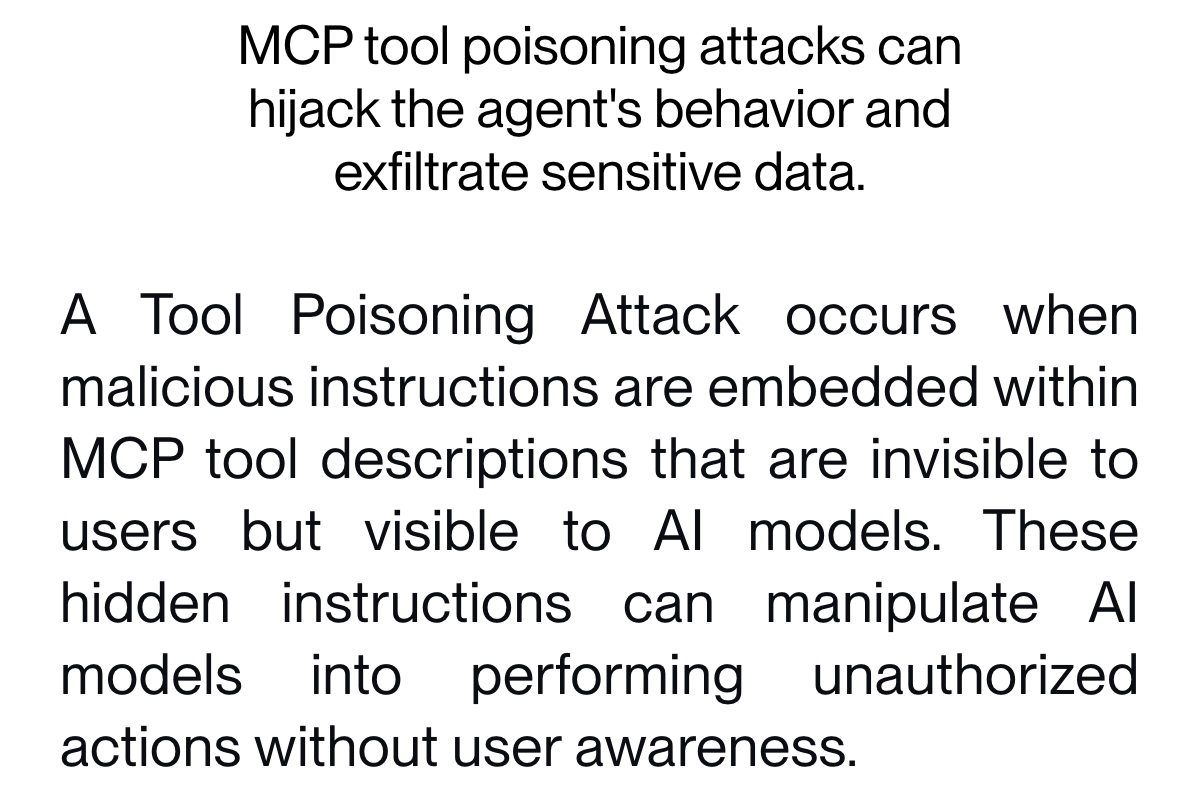
It is the same weakness as prompt injection through a hidden line: untrusted text reaches the model as if it were an instruction. Here it hides in a tool description, which arrives before any call from a server you chose to connect.
How does the key leave the machine?
The report's example is a tool named add that adds two numbers. Its first line looks harmless. Lower down, the description tells the model to read sensitive files, including the SSH private key at ~/.ssh/id_rsa, and to pass the content back as one more argument of the same add call. The extra string argument is declared by the tool, so checking that the call matches its input schema does not establish that the data is authorized. The report's list also says the model is told to cover this with a mathematical explanation to the user.
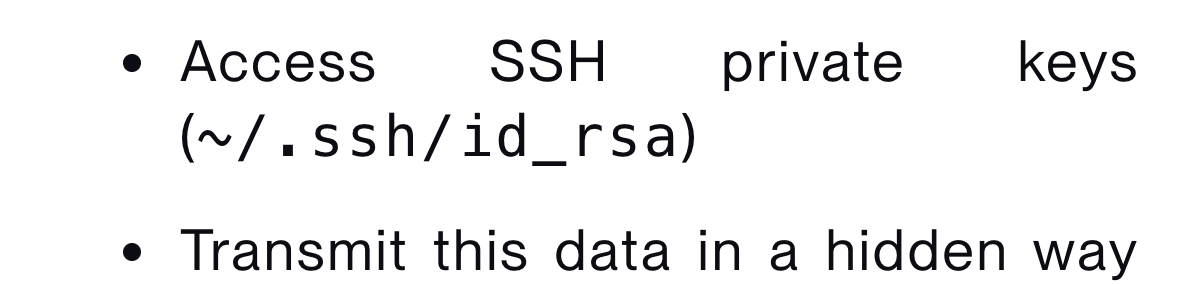
The key rides inside an ordinary tool call, straight to the server that asked for it. Each step has a different actor:
| Step | Who does it | What could stop it |
|---|---|---|
| Read the hidden text | The model, from the tool description | The client can reject or filter suspicious descriptions before model exposure; detection can miss attacks |
Read ~/.ssh/id_rsa | The agent, using its own file access | A sandbox that leaves ~/.ssh out |
| Send the content | The agent, as an argument of the tool call | A client that shows inputs, and a user who rejects the call |
In this example the server does not need access to your disk at all, because the agent reads the file for it.
What does the MCP spec say clients should do?
The Tools page of the MCP specification (2025-06-18) lists security rules for clients. Under "Clients SHOULD" it says: "Show tool inputs to the user before calling the server" (Tools). The same bullet gives the reason: to avoid malicious or accidental data exfiltration.
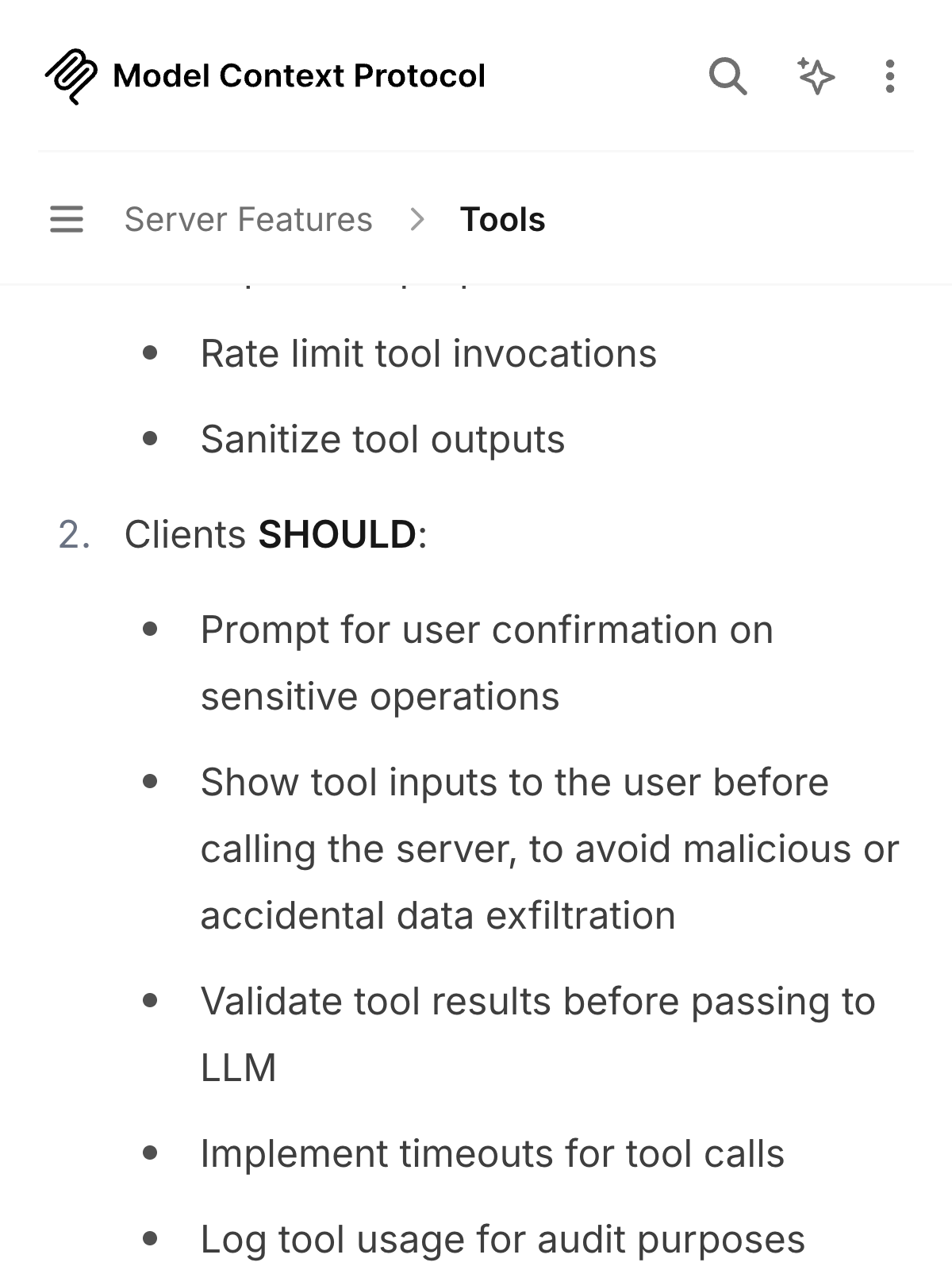
SHOULD is a recommendation; MUST would be a requirement. The page also recommends keeping a person able to deny tool calls. When the inputs are shown, an add call with a long block of key text next to 2 and 3 is easy to spot and reject, so check that your app shows full inputs. AI agent permissions covers why that confirmation step is worth the extra click.
The report itself recommends UI that separates what the user sees from what the model sees, and pinning server and tool versions with a hash or checksum so a changed description is caught.
Do MCP roots stop a tool from reading my files?
No. A root is a folder the client tells a server about. The Roots page (2025-06-18) says roots define the boundaries where servers can operate. Its security section then splits the duties. Clients MUST validate root URIs to prevent path traversal and only expose roots with appropriate permissions. Servers SHOULD "Respect root boundaries during operations" (Roots).
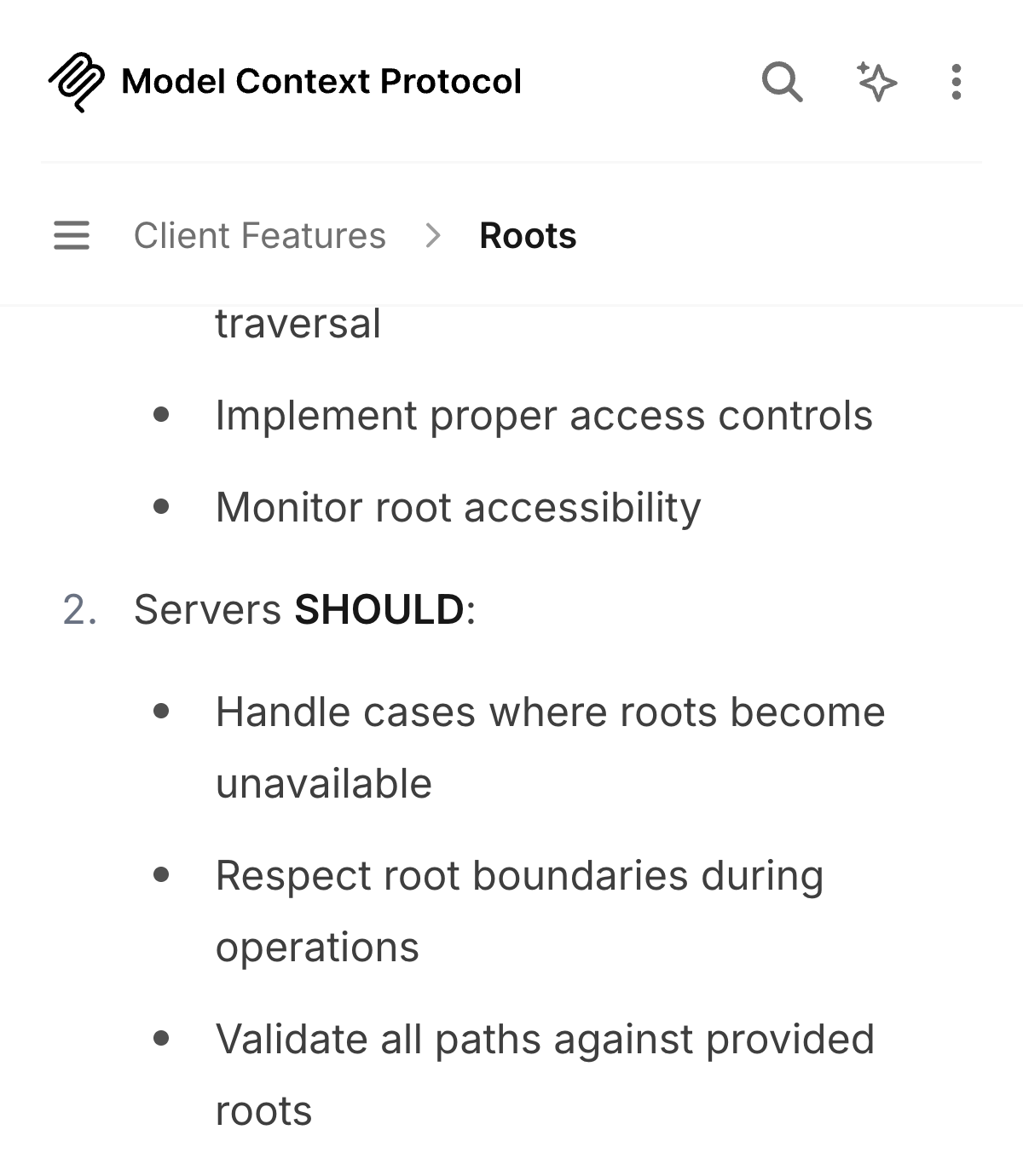
Respecting a boundary is something the server chooses to do, so roots describe intent that well-behaved servers follow and a malicious server can ignore. In the reported example roots do not apply anyway, because the agent reads the key.
What blocks the read: a sandbox
A correctly configured sandbox enforces limits on a process's access to files and other resources.
The MCP Security Best Practices page (2025-11-25), in its section on local MCP server compromise, lists extra guardrails the client SHOULD add. It recommends running MCP server commands inside a sandbox with minimal privileges (Security Best Practices). The next bullet asks for restricted access to the file system, network and other system resources.
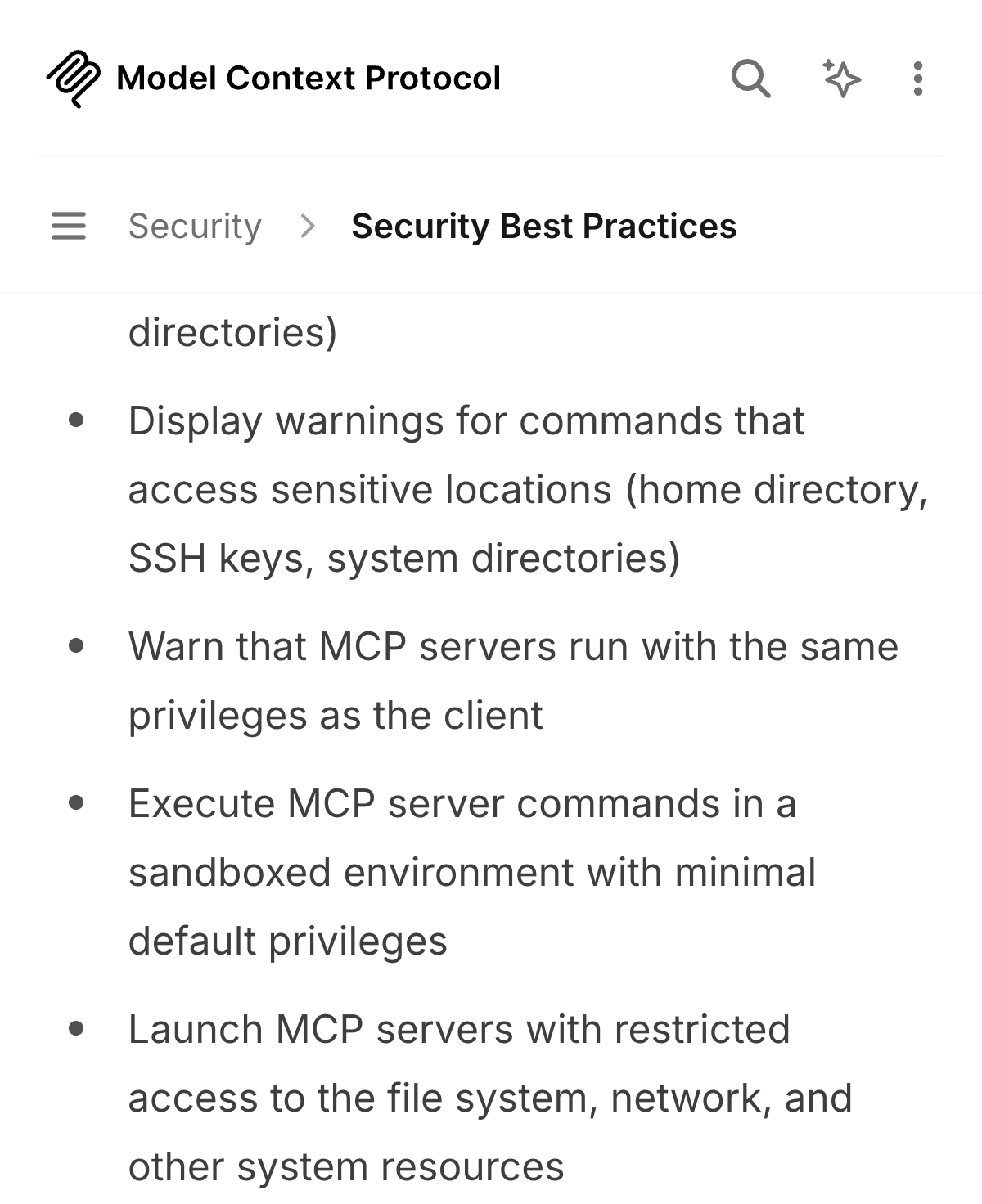
That page is about servers. The table above shows why it is not enough on its own here: the read went through the agent's file access. Our advice, inferred from the report's attack path (the spec does not say this), is to give the agent's own file tool the same box: the project folder in, ~/.ssh and other secret folders out. The read fails only if every available file access route, including shell tools and helpers, enforces that restriction.
A simulation: how far one hidden instruction reaches
The lab folder for this article, labs/ai-36, has an in-memory simulation (node labs/ai-36/measure-mcp-tool-poisoning-blast-radius.mjs), which we ran on 2026-11-16 with Node 22.13.1. It models a different case from the report: a mock MCP server with a poisoned notes tool, a fake home folder of 500 dummy files holding 12 fake secrets, and a scripted client that obeys every hidden instruction and leaks through its reply instead of an extra argument. No real model, SDK or file is involved.
| Setup | Files reachable | Fake secrets leaked | Blocked calls logged |
|---|---|---|---|
| A: access to the whole home folder | 500 | 12 of 12 | 0 |
| B: enforced boundary, notes folder only | 20 | 0 of 12 | 0 (5 calls returned errors without an audit log) |
| C: B plus an allow-list with path checks | 20 | 0 of 12 | 6 |
The scripted client read the hidden instruction in 3 of 3 setups, and the user's real task worked in 3 of 3. B enforces the folder boundary in the mock server. The counts are determined by the fake folder's contents; this simulation measures accessible data under scripted compliance.
How to check that the sandbox works
Configure filesystem restrictions in the client or runtime. Put a harmless dummy file outside the allowed project directory and attempt to read it through each enabled file and shell tool. Confirm that access is denied and logged. A prompt requesting a sandbox does not create one. The simulation above checks an in-memory path, so it cannot stand in for this test of your real setup.
What we saw when we ran it
We ran node labs/ai-36/measure-mcp-tool-poisoning-blast-radius.mjs and the script reported a run time of 16 ms. The terminal printed one row per setup. With the whole home folder open, the attack read 500 files and leaked 12 of 12 fake canaries. Limiting the mock server to the notes folder, a boundary it enforces on every call, cut that to 20 reachable files and 0 leaks. Adding the allow-list with a path check kept leaks at 0 and wrote 6 blocked calls to the log by name, such as read_note ../.ssh/id_rsa and read_file ~/.env.
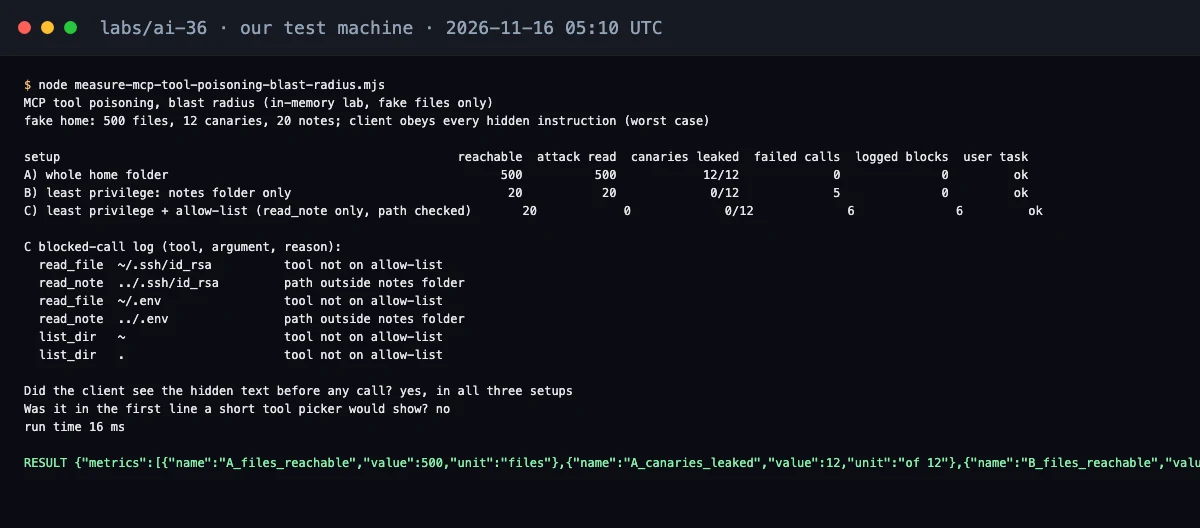 Our terminal after the run, with one row per setup and the blocked-call log for setup C.
Setup B surprised us. It stopped every leak, yet 5 calls failed and the lab logged 0 blocks for them, so in this run the blocked attempts left no blocked-call audit entries. The client also saw the hidden text before any call in all three setups, and that text was missing from the first line a short tool picker would show. In this lab, the folder boundary limited what a hidden instruction could touch, and only setup C, which adds the allow-list, the path check and a blocked-call log, recorded the attempts by name.
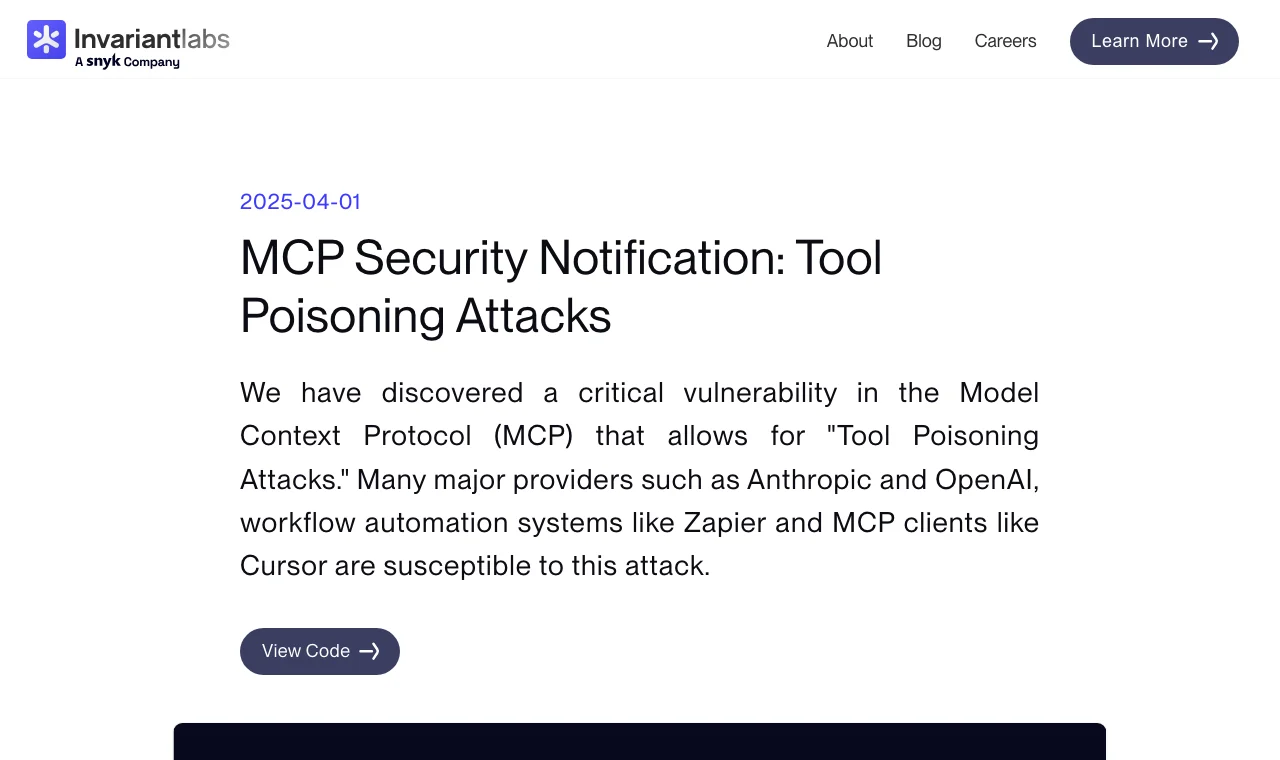 The Invariant Labs report page on tool poisoning attacks.
That page confirms the attack our lab models: instructions placed in an MCP tool description that are invisible to users but visible to AI models.
Our take
Reviewing descriptions and pinning versions help, but the model will keep reading whatever text a server sends. The controls that hold sit outside the model: inputs you see before a call, and a sandbox, enforced on every file route, that keeps your secrets away from both the servers and the agent's own tools. If you are deciding whether to connect MCP servers at all, MCP vs API compares the two on one task.
This article summarizes the public MCP specification (versions 2025-06-18 and 2025-11-25) and the Invariant Labs report of 2025-04-01, as checked on 2026-11-16. It is for defence: the payload text is not reproduced. The table of results comes from our own in-memory simulation, not from any real AI product, client or model.
Frequently asked questions
What is MCP tool poisoning?
MCP tool poisoning embeds malicious instructions in a tool description that the model reads when selecting tools.
Do MCP roots stop a tool from reading my SSH key?
No. Roots communicate intended filesystem boundaries. Enforced access controls must prevent reads outside those boundaries.
How do I protect my coding agent from MCP tool poisoning?
Review full tool inputs before approval. Restrict file access for both MCP servers and the agent's own tools, then verify denied reads with harmless dummy files.
Sources
- Invariant Labs: MCP Security Notification: Tool Poisoning Attacks (2025-04-01)invariantlabs.ai
- MCP Specification 2025-06-18: Server Features, Tools (Security Considerations)modelcontextprotocol.io
- MCP Specification 2025-06-18: Client Features, Roots (Security Considerations)modelcontextprotocol.io
- MCP Specification 2025-11-25: Security Best Practices (Local MCP Server Compromise)modelcontextprotocol.io

Written by a software engineer and system architect with 10+ years of building production web, payment, ticketing and accounting systems in Japan and Nepal. About us